What UI/UX design covers, and what you receive
UI/UX design is the work of deciding how your app, web app or website behaves (the experience) and how every screen looks and reads (the interface). For a Kuwait business there is one more decision that foreign templates rarely make: which language comes first. We design for the Arabic-first reader who switches to English for a brand name, a tracking number or a product code, and for the English-first customer who wants the same product to feel natural to them. Both are real users of the same app, often in the same household.
The work sits inside our Kuwait branding studio, and that matters more than it sounds. An interface is where your identity gets used most often: the colours, the type, the icon and the tone of voice appear on every tap. Designing screens with the brand team involved means a button colour is chosen for contrast on a phone in direct summer sun, not copied from a logo file that was drawn for a shop sign.
What you receive is a Figma file a developer can build from without guessing: user flows, wireframes, final screens in Arabic and English, every state of every screen, a component library with its variants, and written handoff notes. If the product still needs building, the same team can build the app from that file, so nothing gets lost between the design and the code.
What you do not receive is a moodboard and a promise. Every decision on the screens can be traced back to something we watched a Kuwait customer do, or to a constraint your developers, your payment gateway or your delivery partners gave us. When we disagree with an idea, we say so and show you why.
Research with Kuwait users, before the first screen
Research does not need a lab. It needs the right five or six people and a quiet hour each. For a delivery app that might be customers who order on Talabat or Deliveroo every week and can tell you, without prompting, what irritates them about tracking. For a clinic booking flow it might be patients who currently book by calling reception or sending a WhatsApp message, and who will compare your app with that conversation rather than with another app.
We run short interviews in Arabic or English, whichever the person prefers, and we ask them to show us rather than tell us: open the app you use now, find your last order, change the delivery address. People describe themselves as organised and then spend a long time hunting for the address field. That gap between what customers say and what they do is where the real design brief gets written.
We also read what already exists: your WhatsApp support history, the questions customers send on Instagram and Snapchat, reviews on the App Store and Google Play, and the notes your call centre or shop staff keep. In Kuwait these channels often hold more honest feedback than a survey, because customers write in their own words, often in dialect, at the exact moment something went wrong.
The research ends in a short document rather than a slide deck: who the main users are, the jobs they come to do, the moments they give up, and the words they use for things. That last item matters. If customers say «طلباتي» and your menu says «سجل المعاملات», the interface is already arguing with them. If you want the line between the research side and the screen side drawn clearly, read our guide on UI vs UX design.
Flows and wireframes: the screens that take the money
Every product has a short path that pays for everything else: browse, choose, pay; or pick a service, pick a time, confirm. We map that path first, as a flow diagram that shows every branch: what happens when the user is not logged in, when the slot is already taken, when the card is declined, when the delivery zone does not yet cover Jahra or Ahmadi.
Wireframes come next, in grey, on purpose. Grey boxes stop everyone debating colours and force the useful debates: is the price visible before the add button, is the delivery fee shown before checkout or sprung at the end, can a customer repeat last week's basket with a single tap. We test the wireframes with the same kind of customers from research, as a clickable prototype on their own phone rather than on our laptop.
Kuwait-specific flows get special attention. Address entry is the obvious one: block, street, avenue, house or building, floor and flat, plus a map pin and a note for the driver, because a typed address alone often fails at the door. Phone verification, the choice between an account and guest checkout for someone buying a single Eid gift, and a delivery time picker that respects prayer times and late Ramadan evenings are others we design deliberately.
By the end of this stage the structure is agreed in writing. Changing a wireframe costs minutes; changing a built screen costs development time and sometimes a store review. That is why this step is never skipped, even on a small marketing website.
RTL done properly: mirroring, numerals and mixed-direction text
The fault we meet most often in Kuwait apps is an Arabic version that is simply the English layout flipped by a developer near the end. Mirroring is a design decision, not a setting. Navigation, back arrows, progress steps, carousels and swipe gestures should reverse in Arabic. Some things should not: a media player's play button, a clock, a phone number, the logo, many chart time axes, and icons of real objects such as a basket or a camera.
Numerals need a written rule. Arabic text can use Eastern Arabic digits (٠١٢٣) or Western digits (0123), and Kuwait customers read both comfortably. What breaks trust is mixing them on one screen, or showing an item price in one system and the order total in the other. We agree the rule with you, often Western digits for prices, phone numbers and order references because customers copy them into WhatsApp and banking apps, and we document it so every developer applies it the same way.
Mixed-direction text is where layouts break quietly. An Arabic sentence containing an English product name, a model number or a web address can reorder itself so badly that punctuation jumps to the wrong end and the sentence becomes unreadable. We design those cases with real strings instead of placeholder text, and we mark them in the file so the developer sets the correct direction on each text block.
Input fields need the same care. A phone or card field should stay left-to-right even inside an Arabic form; a search box should accept both languages and still place the cursor where the user expects it. Individually these are small details. Together they decide whether the Arabic app feels native or feels like an afterthought.
Arabic typography on screens
Arabic type on a phone has different needs from Arabic type on a sign or a box. The letterforms carry more detail, the dots and marks are small, and many Arabic fonts were drawn for print and turn muddy at caption and button sizes. We choose a screen Arabic typeface that has the weights you need, renders cleanly on iOS and Android, and pairs with your Latin font in apparent size and colour, so a bilingual screen looks like one design rather than two.
Arabic usually needs more line height than English and often a slightly larger point size to read with the same comfort. If one type scale is shared, Arabic labels look cramped and English labels look loose. We set a scale per language, tie both to the same component, and test long Arabic words in tight spaces such as tab bars, where truncation can change what a word means.
Licensing is part of the choice. A font that is free for print may not be licensed for embedding in an app, and the web licence can be separate again. We tell you what each typeface requires before it goes into the design system, so your developers are never asked to strip it out after launch. Our guide to Arabic fonts for bilingual brands goes deeper on the options.
Where the brand already has an Arabic logo or custom lettering, the interface font does not try to imitate it. Lettering is for the mark; the interface font is for reading a delivery fee quickly at a red light. Keeping those two jobs apart is what makes both look intentional, and it is also what keeps the app fast, because display lettering is rarely drawn to be rendered at small sizes.
Checkout with KNET and Apple Pay, and WhatsApp as support
Payment is where many Kuwait apps lose customers who had already decided to buy. KNET is how a large share of local customers expect to pay by debit card, and Apple Pay is what plenty of iPhone users reach for first. A checkout that hides KNET behind a generic card option, or that reveals Apple Pay only after the user has typed card details, makes the customer work harder at exactly the wrong moment.
We design the payment step around what your gateway really supports, which we confirm with your developer or provider before drawing anything. The screen shows the available methods plainly, in the order your customers use them, with the total and delivery fee visible before the user is sent to the KNET page. The return from KNET, successful or failed, gets its own designed screens, because a blank page after payment is the moment customers ring the shop or call their bank.
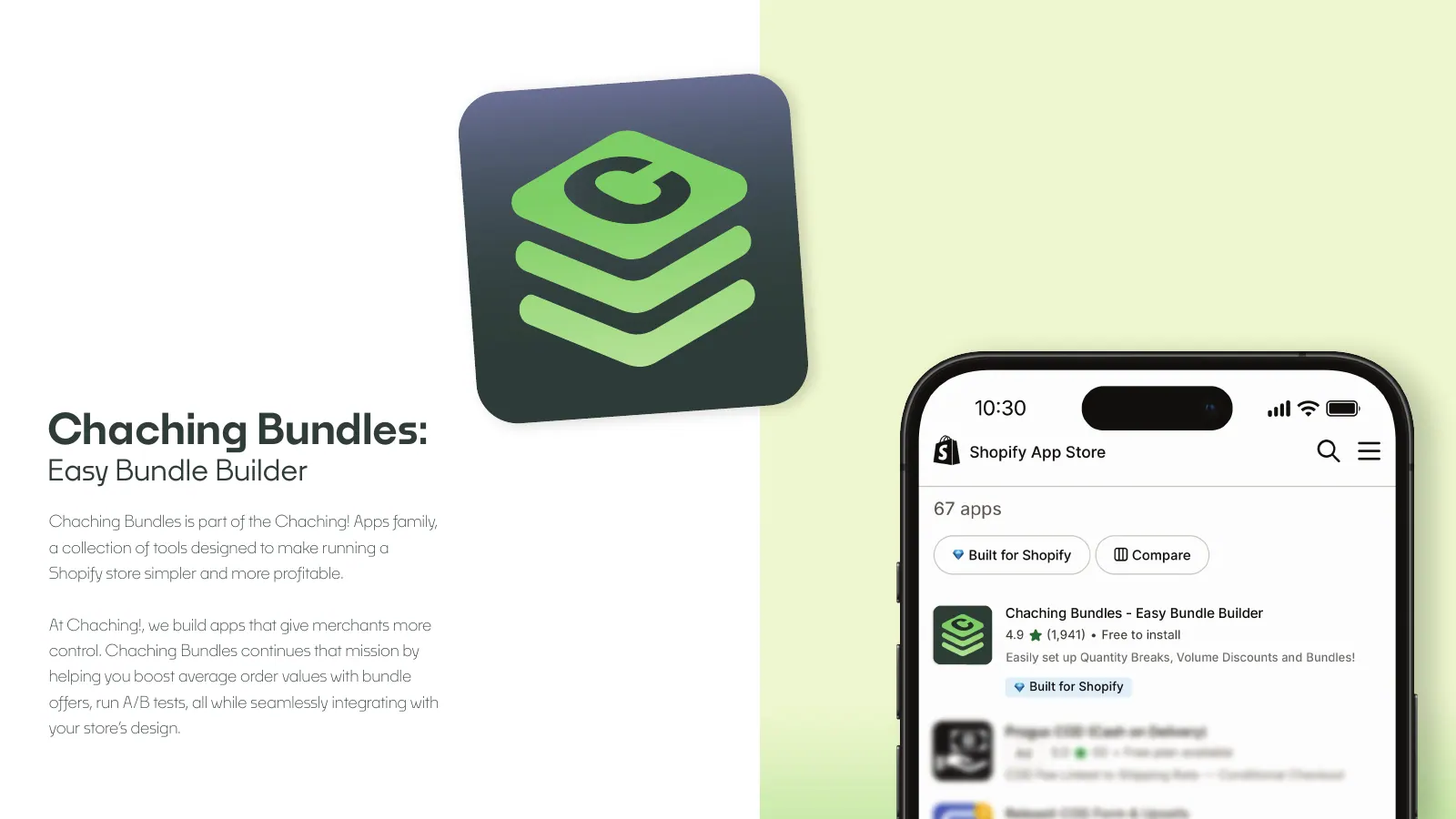
Support in Kuwait usually means WhatsApp. Customers expect to reach a person there, and a contact form buried in the app feels like a dead end. We design where the WhatsApp entry appears (order detail, failed payment, late delivery) and what it pre-fills, such as the order reference, so your team does not spend the first message asking for it. For an online store on Shopify, the same thinking applies to the cart and the order status page.
Seasonal pressure belongs in the brief as well. Ramadan evenings, Eid gifting and the national holidays in February bring traffic spikes and different behaviour: late-night ordering, gift messages, delivery to someone else's address. Flows that cope on a quiet Tuesday morning need checking against those busy stretches of the year.
Accessibility, design systems and handoff to developers
Accessibility is not a separate project. Contrast that holds up outdoors in a Kuwait summer, touch targets big enough for a thumb, text that scales when the user enlarges the font in phone settings, and labels that screen readers can announce in Arabic and English are part of every screen we draw. They help older customers and customers in a hurry as much as anyone with a disability.
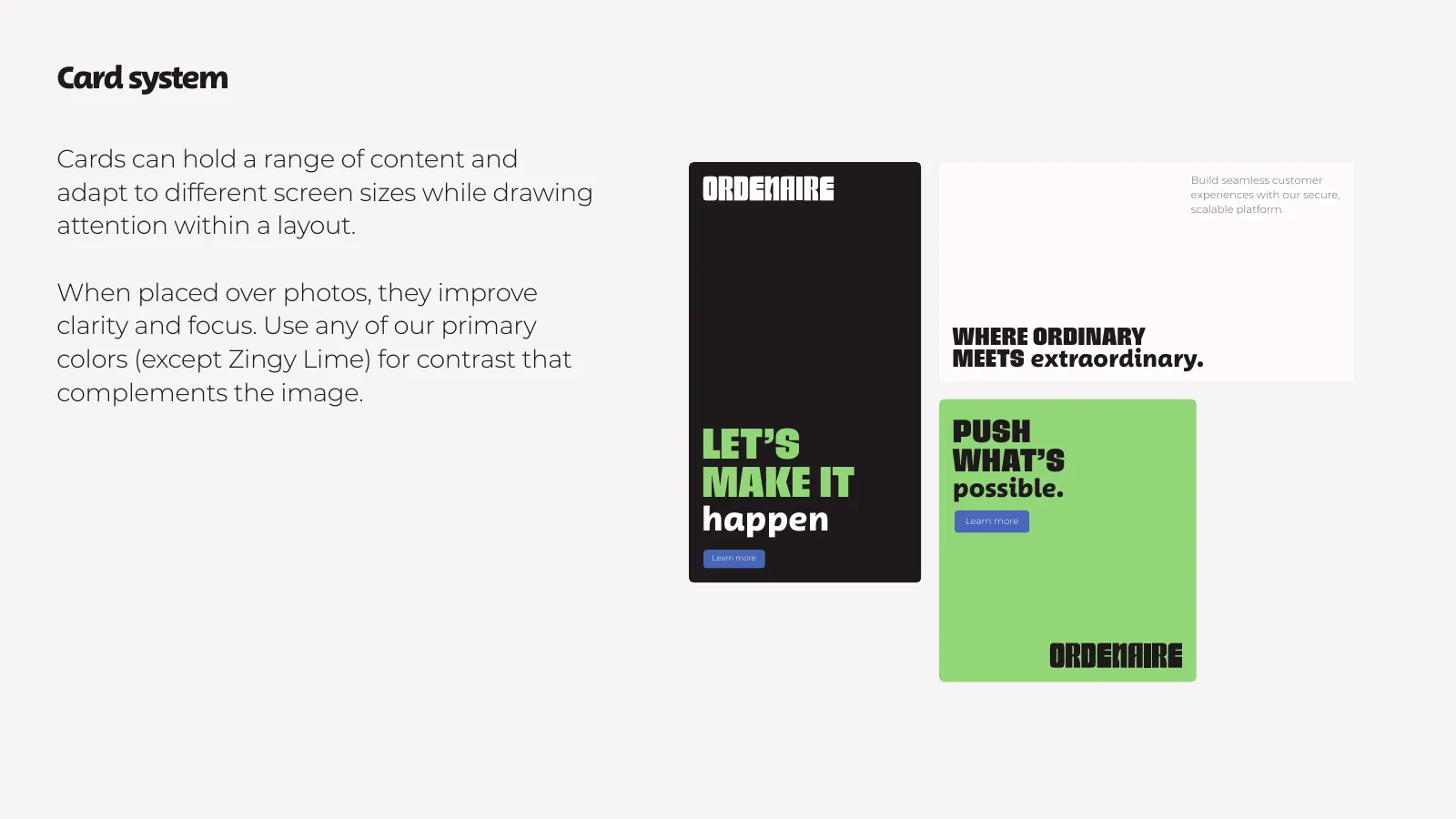
A design system is what lets a product grow without drifting. For Ordenaire we delivered the Ordemark design system: a colour system, a type stack, a card system, spacing and an icon set that a product team can build on, alongside the wordmark and favicon. That is the level we work towards on any product: named tokens and reusable components, not a folder of attractive one-off screens.
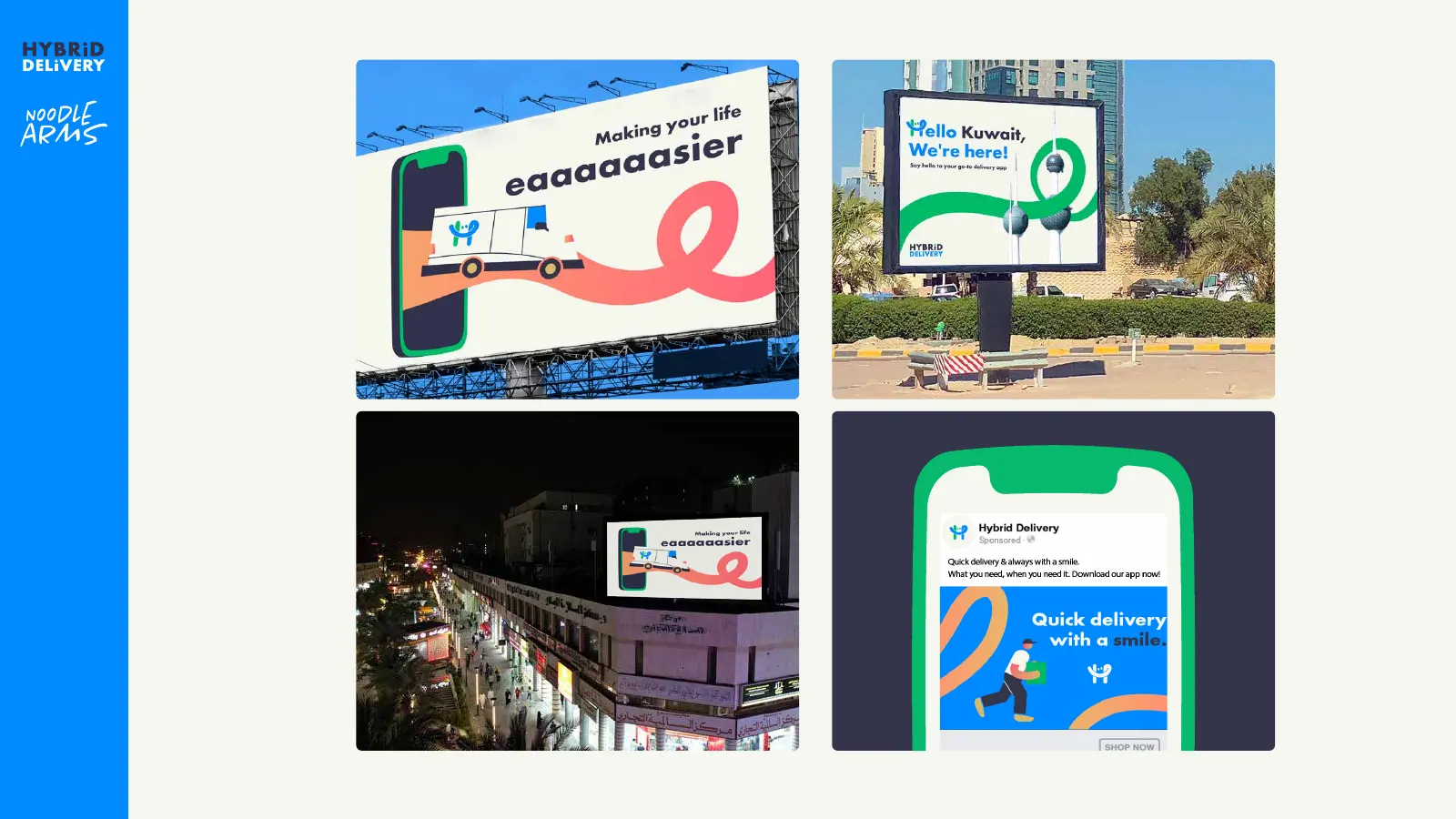
For Hybrid Delivery the identity work ran all the way into the app's splash screen and UI, next to logos including the Arabic version, uniforms, van livery and billboards. The smiling green and blue H that customers passed on the road was the same one that met them when they opened the app, which is the point of designing brand and interface together.
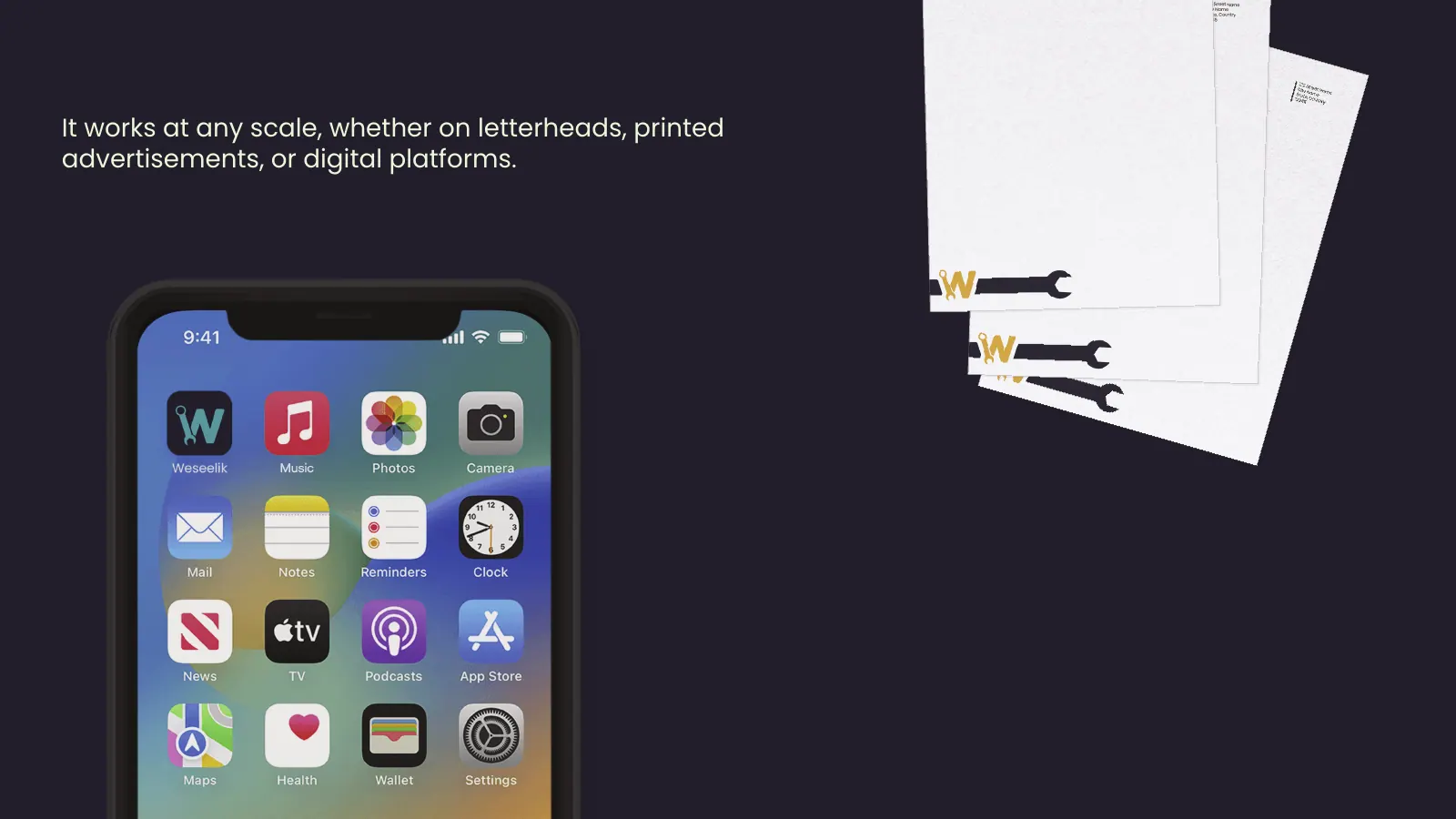
For Weseelik we drew Salem the Spanner, a mascot who explains the service in the app and on signage, alongside a bilingual logo with a spanner letterform and the app icon. A character like that only works if the interface leaves room for him, so his placement was part of the conversation from the start.
Handoff is the final deliverable and the one most often done carelessly. Every component carries its states (default, pressed, disabled, loading, error), every screen appears in both languages, spacing and colours are named tokens rather than loose values, and assets export at the sizes iOS and Android expect. Developers get a walkthrough call and a channel for questions while they build. The icon and store listing are related but separate work, covered under app branding.
How this fits with your brand, your build and your marketing
Some clients arrive with a finished brand and need screens. Others need both, and that is usually the better value, because the identity gets designed knowing it will live mostly on a phone. Either way the scope is quoted per project and fixed before work starts. Our guide on what UI/UX design costs in Kuwait explains what moves that number, so you can compare quotes on equal terms.
A defined scope runs 2–3 weeks from the signed brief to handoff: Week 1 for research and flows, Week 2 for wireframes and the interface, Week 3 for states, both languages, the component library and the handoff itself. A larger product is split into phases, and each phase follows the same rhythm, so something real and buildable is finished at the end of each one.
After launch, the same team can run the campaigns that bring people into the app on Instagram, Snapchat and TikTok, and what we learn from those campaigns feeds the next round of design. If you have a live product, a prototype or only the three payment screens sketched on paper, send them to us and we will tell you plainly which part needs attention first.